Working with an LED and a Push Button

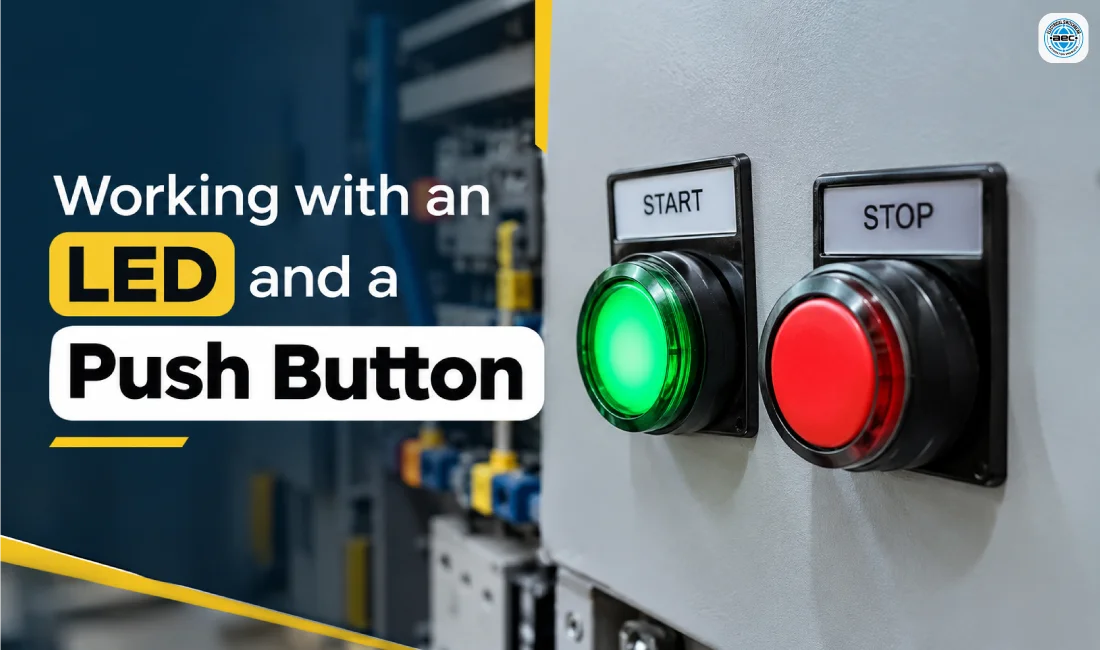
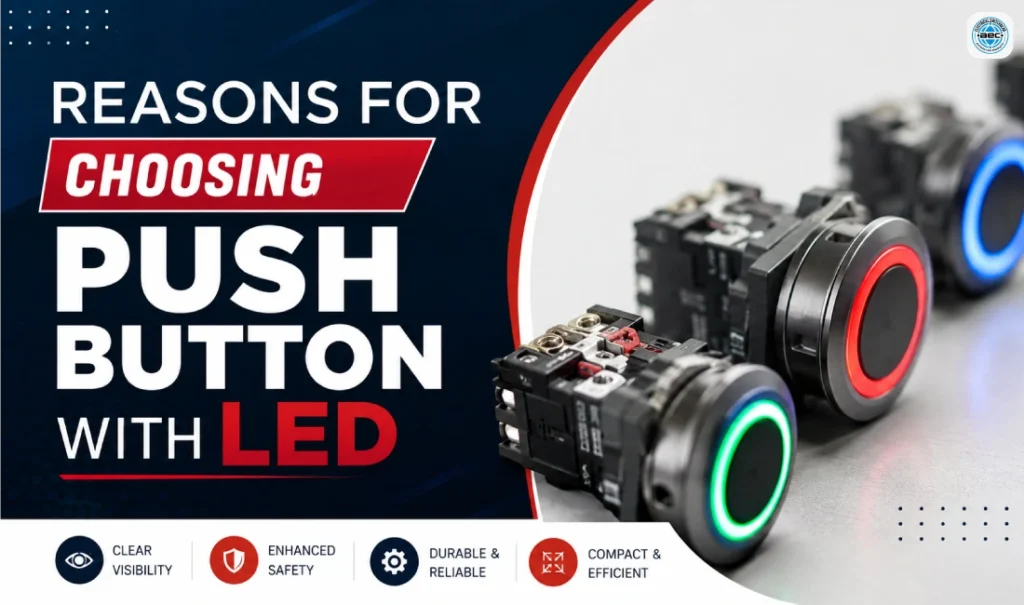
Working with an LED and a Push Button is an important part of understanding modern electrical control systems. These components help operators control machinery, activate electrical functions, and identify operating conditions through visual signals. They are commonly used in industrial control panels, manufacturing equipment, automation systems, testing stations, and electrical cabinets. An illuminated push button combines a mechanical switching function with an LED indicator, allowing operators to interact with equipment more conveniently. However, correct operation depends on selecting suitable components, understanding their terminals, and connecting them according to the manufacturer’s specifications. Whether you are an electrician, panel builder, maintenance technician, or industrial buyer, understanding how an LED and a Push Button work can help you select suitable products, troubleshoot common problems, and maintain reliable control systems.
What Is an LED and a Push Button and How Does It Work?
An LED and a Push Button is an electrical control device that combines a manually operated switch with a light-emitting diode (LED) indicator. The push button allows an operator to send a command to a control circuit, while the LED provides visual information about a particular electrical condition or machine function. For example, an illuminated push button may be used to request a machine start, select an operating mode, or indicate that a particular control function is enabled. In many industrial applications, both functions are housed in a single assembly, helping save panel space and keeping the operator interface organised. The switching contacts and LED illumination circuit often have separate terminals, allowing the button to operate one circuit while the indicator receives a separate supply or control signal. This separation is especially useful when a machine’s status needs to be displayed independently of the operator’s command. The operation of an LED and a Push Button depends on the contact arrangement and the way the illumination circuit is connected. When an operator presses a momentary push button, its internal mechanism changes the contact state, either opening or closing the circuit according to the design. That signal may be sent to a relay, contactor, or programmable logic controller (PLC), which processes the command and performs the required action if the operating conditions are satisfied. The LED can be wired to indicate control power, a selected function, a confirmed machine-running state, or another defined condition. For example, a green illuminated button may send a start request to a PLC, while the PLC activates the LED only after receiving confirmation that the machine is running. This approach gives the operator more meaningful feedback than simply illuminating the button whenever it is pressed. Therefore, when working with an LED and a Push Button, it is important to distinguish between a command being requested and the equipment actually completing that command. Understanding the contact configuration is equally important when choosing an illuminated push button. A normally open (NO) contact remains open when the button is at rest and closes when pressed, making it a common choice for momentary start commands and manual input signals. A normally closed (NC) contact remains closed in its normal position and opens when pressed, so it is often used in conventional stop-command circuits and other applications that interrupt a control signal. Some models include both NO and NC contacts, providing flexibility when designing control circuits. Push buttons may also use momentary or maintained operating mechanisms, depending on whether the actuator returns automatically or stays in its selected position. The correct arrangement depends on the intended application, circuit design, and applicable safety requirements. An ordinary illuminated push button should not be used as a safety-rated emergency-stop device unless the device and the complete safety system are specifically designed and approved for that purpose. For additional technical information, refer to OMRON’s push buttons and indicator lamps guide.
How to Select and Wire the Right LED and a Push Button
Selecting the right LED and a Push Button requires checking the electrical specifications, physical dimensions, operating requirements, and environmental conditions of the installation. The first consideration is the LED’s rated voltage and whether it is designed for AC, DC, or both, because an incompatible supply can prevent correct operation or damage the component. Next, check the contact configuration and electrical ratings to ensure that the switching mechanism is suitable for the intended control circuit. The panel cut-out size, mounting depth, actuator style, illumination colour, and ingress protection rating should also match the equipment and installation environment. In industrial facilities, components may be exposed to dust, moisture, vibration, temperature changes, and frequent operation, so the product’s construction must suit the conditions in which it will be used. It is also useful to check whether replacement contact blocks and LED modules are available, especially when the equipment needs to remain operational over long periods. Reviewing the manufacturer’s datasheet before purchasing an LED and a Push Button helps prevent compatibility problems and unnecessary replacement costs. Correct wiring is just as important as selecting the right component. Begin by identifying the contact terminals and LED terminals using the manufacturer’s wiring diagram rather than relying on the appearance of the device. The switching section may use markings such as COM, NO, and NC, while the illumination section may have separate lamp terminals or positive and negative markings where polarity matters. In a typical PLC application, the push-button contact sends a signal to a digital input, while a separate output controls the LED according to the programmed logic. In a simpler arrangement, the LED may be connected to a suitable control supply to indicate that power is available. These two arrangements communicate different conditions, so the wiring should reflect the purpose of the indicator. Never assume that the LED and switching contacts share the same electrical connections unless the product documentation specifically confirms the arrangement. Electrical safety must remain a priority during installation, inspection, and troubleshooting. Isolate the relevant power supply before working on the circuit, follow the required lockout procedures, and verify the absence of hazardous voltage using appropriate test equipment. Use correctly rated wiring and terminals, maintain the required separation between circuits of different voltage levels, and ensure that connections are secure and properly identified. After installation, a qualified electrical professional should verify the switching action, confirm that the LED illuminates under the intended conditions, and test the connected control system according to its commissioning procedure. For further reference, consult OMRON’s push-button terminal information. Following the product datasheet and applicable electrical regulations helps ensure that an LED and a Push Button function correctly within the wider control system.
Applications, Troubleshooting, and Maintenance of LED Push Buttons
LED and push-button devices are used across many industrial applications because they provide a convenient interface for manual commands and visual feedback. In manufacturing plants, they may be installed on machine panels to request a start, stop a process through an appropriate control circuit, select an operating mode, or acknowledge a condition. Packaging equipment, conveyor systems, assembly lines, testing stations, and material-handling machinery may also use illuminated controls to simplify daily operations. In automation systems, the push button can provide an input to a PLC while the LED communicates whether a machine is ready, running, waiting for an instruction, or experiencing a defined condition. Electrical panels may use indicator lights to display the availability of control power or the status of particular circuits. The meaning of each colour should be established consistently within the machine design and must follow applicable standards and site requirements. When configured correctly, an LED and a Push Button can make the operator interface easier to understand and help users identify equipment conditions quickly. Despite their simple appearance, illuminated push buttons can experience problems caused by incorrect wiring, loose connections, unsuitable voltage, damaged contacts, or a failed LED module. If the button operates but the LED does not light, check whether the lamp supply is present, the voltage matches the product rating, and the connections follow the wiring diagram. On polarity-sensitive DC models, incorrect polarity may prevent illumination. If the LED lights but the equipment does not respond, the fault may be associated with the switching contacts, PLC input, relay, control logic, an interlock, or the connected equipment. Intermittent operation may indicate loose terminals, damaged wiring, mechanical wear, or an unstable supply. A button that sticks or fails to return to its normal position may also require inspection or replacement. Troubleshooting should follow a systematic approach, starting with the component datasheet and circuit diagram before examining the relevant control signals. Protective devices and machine interlocks must never be bypassed simply to make the equipment operate during testing. Regular maintenance helps maintain the performance of an LED and a Push Button throughout its service life. Technicians should periodically inspect the actuator, lens, mounting arrangement, terminals, and wiring for signs of damage, contamination, looseness, or overheating. The switching action and illumination should be checked during scheduled maintenance in accordance with the equipment manufacturer’s instructions and site procedures. If a component needs replacement, select a compatible model with the correct voltage, contact arrangement, mounting dimensions, and environmental rating rather than relying on appearance alone. Maintaining accurate wiring diagrams and recording replacement part numbers can also make future repairs easier. These practices help reduce avoidable downtime, improve troubleshooting efficiency, and maintain a clear operator interface. For industrial buyers, choosing a reliable supplier is another important part of the process. Aarcee Electrical Controls offers a range of industrial electrical and automation products through its website, including a dedicated LED and Push Buttons product category. Customers can explore the listed products and compare their specifications with the requirements of their control panels, machinery, or replacement projects. Before selecting a component, confirm its operating voltage, contact configuration, illumination type, mounting dimensions, and suitability for the working environment. If you are sourcing products for an existing installation, having the current model number and wiring details available can help you identify a compatible replacement. You can also visit Aarcee Electrical to explore its wider industrial electrical product range. Careful component selection, correct installation, and regular inspection help ensure that an LED and a Push Button perform their intended functions reliably.
Conclusion
Working with an LED and a Push Button requires a clear understanding of the switching contacts, LED supply, and intended control function. The push button sends a command through its contact mechanism, while the LED provides a visual indication based on the way its circuit is designed. Correct product selection involves checking voltage ratings, contact configuration, mounting requirements, illumination colour, and environmental conditions. When integrated with relays or PLCs, these devices can support clearer operator communication and more organised industrial control systems. Proper wiring, safe testing, and regular maintenance help prevent common faults and support dependable operation. For technicians, engineers, panel builders, and industrial buyers, choosing a suitable LED and a Push Button is a practical step towards building an efficient and easy-to-maintain electrical control panel.
FAQs
Have questions? We’ve answered some of the most common queries to help you understand the topic better.
Q1. What is an LED and a Push Button used for?
It combines manual switching with visual indication in industrial control panels, machinery, and automation systems.
Q2. What is the difference between NO and NC contacts?
NO contacts close when pressed, while NC contacts open when pressed, depending on their specified normal state.
Q3. Can the LED operate separately from the button?
Yes, many models have separate LED and switching terminals, allowing independent control when wired correctly.
Q4. Why is my push-button LED not lighting?
Possible causes include incorrect voltage, reversed DC polarity, loose wiring, or a damaged LED module.
Q5. Where can I find LED and push-button products?
Explore the LED and Push Buttons range at Aarcee Electrical.